News, hints and tips
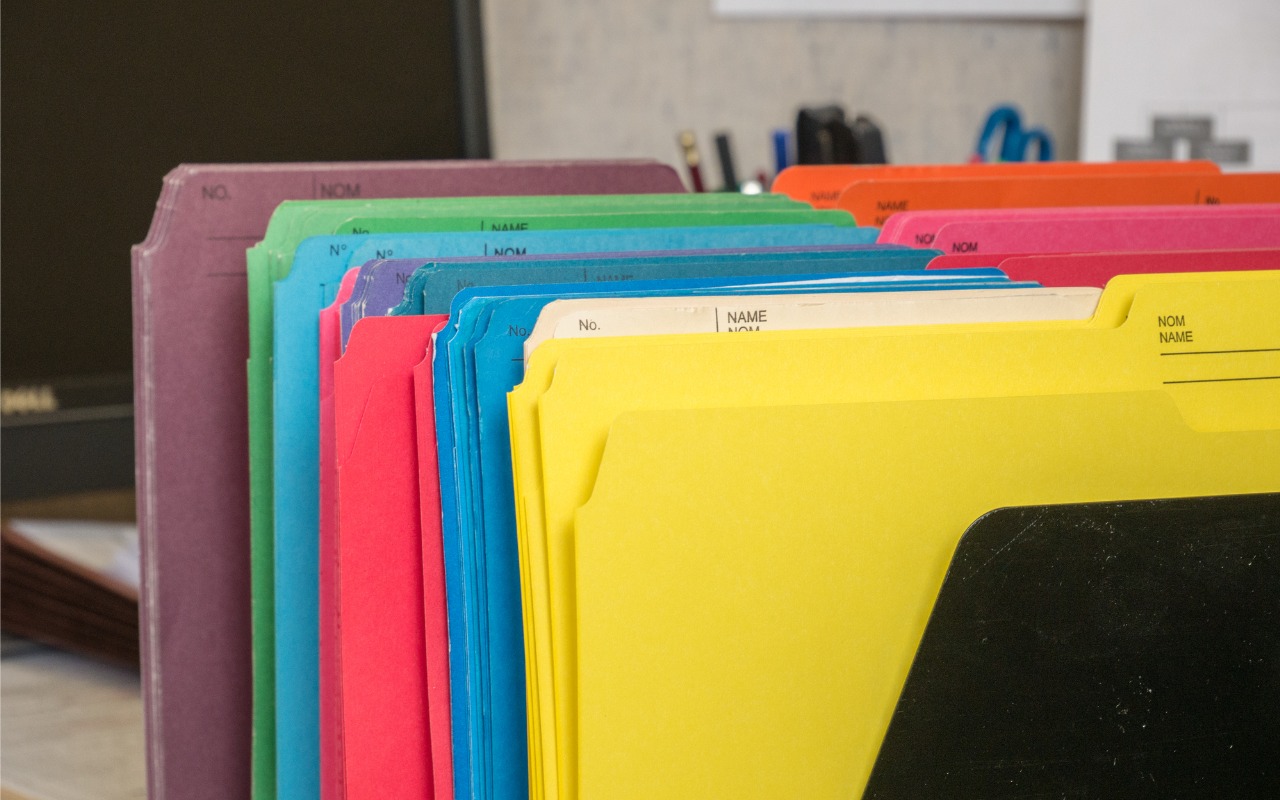
In macOS 26 Tahoe, Apple has made it easier to customize folder appearance in the Finder. Control-click any folder and choose Customize Folder. In the panel that appears, click a colored circle to apply that color and then select an icon to display on the folder. Click the Emoji button to choose from the full […]
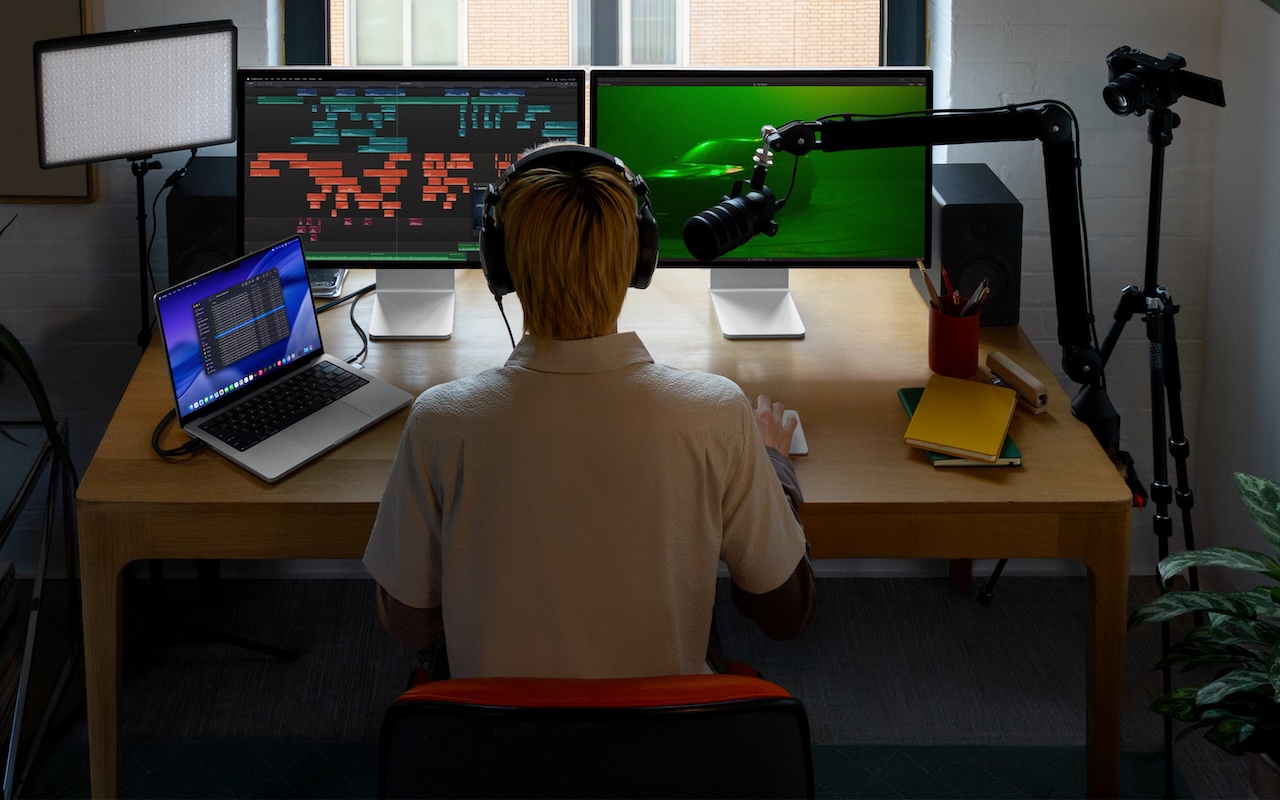
Apple has introduced Apple Creator Studio, a subscription bundle of Final Cut Pro, Logic Pro, Pixelmator Pro, Motion, Compressor, and MainStage, priced at $12.99 per month or $129 per year (with education pricing at $2.99 per month or $29.99 per year). The bundle also includes premium content and a few AI tools for the iWork […]

Apple offers several simple ways to share Wi-Fi network passwords. When someone nearby tries to connect to a Wi-Fi network with an iPhone, iPad, or Mac, and they are in your Contacts app, you will be automatically prompted to share the network password with them. Additionally, in the Passwords app, you can display a Wi-Fi […]

Column view in the Finder has an annoying tendency to either show overly wide columns that waste space or truncate long filenames, forcing you to drag a column divider to see more of the name. In macOS 26.1 Tahoe, Apple added an option to the Finder’s View Options window that automatically adjusts column widths to […]
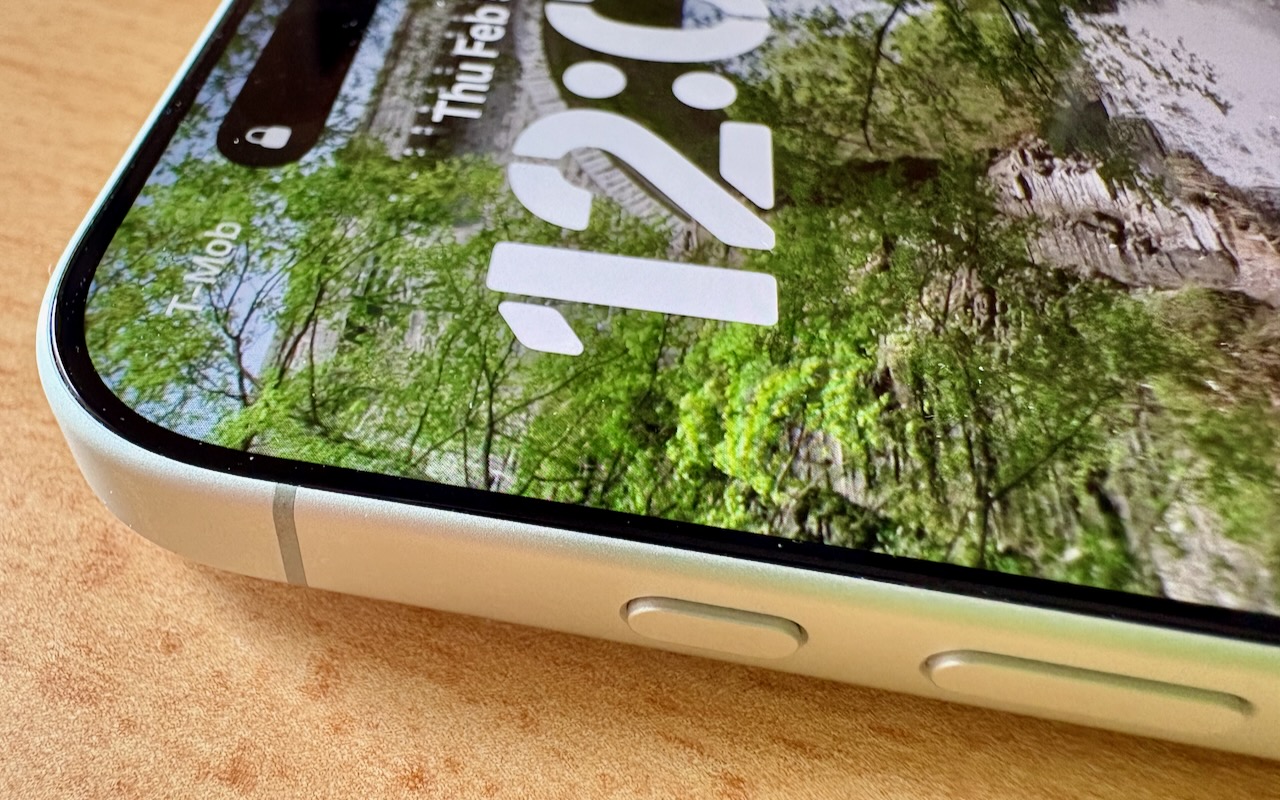
Starting with the iPhone 15 Pro and Pro Max, Apple replaced the Ring/Silent switch on the top-left edge of the iPhone with the Action button, making the new button standard across the iPhone 16 and iPhone 17 lineups in subsequent years. The Action button is a dedicated hardware button you can configure to perform one […]

Here’s something new to watch out for: poisoned chatbot conversations surfaced in Google searches. The sharing features in ChatGPT, Claude, Gemini, Grok, and other chatbots allow users to publish their conversations as public Web pages, which can be indexed by search engines and appear alongside traditional websites in search results. Attackers can seed those conversations […]

We can’t always guarantee optimal lighting for video calls, especially when using laptops on the go. A new feature in macOS 26.2 Tahoe called Edge Light might help. It’s a video effect that uses the outermost pixels of your Mac’s display to create a bright white rectangle that illuminates your face during video calls. It […]
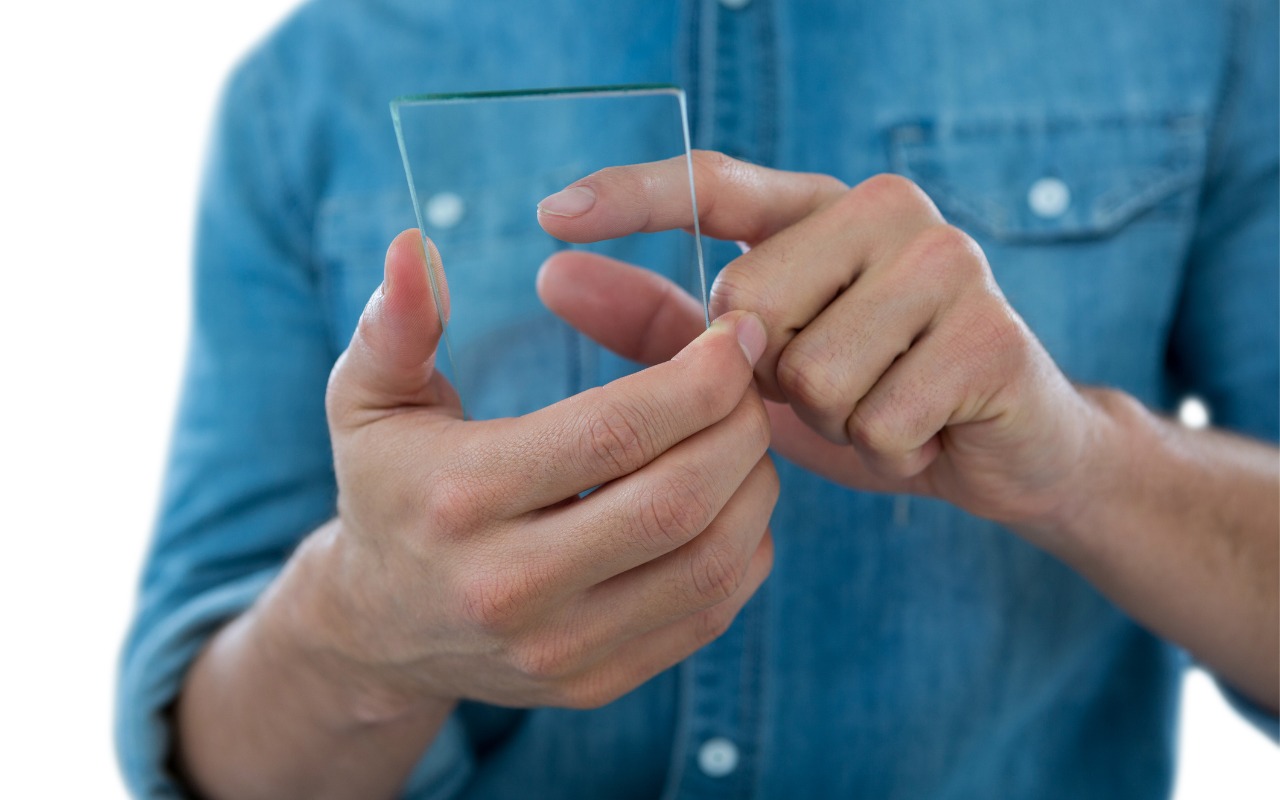
One place where the Liquid Glass transparency in iOS 26 and iPadOS 26 can be annoying is the time display on the Lock Screen. Liquid Glass tries—but often fails—to adjust the clock’s transparency so it’s readable over whatever photo you chose or the Photo Shuffle option displayed. Starting in iOS 26.2 and iPadOS 26.2, you […]

A new feature for Apple Music subscribers in the Music app in iOS 26, iPadOS 26, and macOS 26 is AutoMix, which Apple says causes songs to “transition at the perfect moment, based on analysis of the key and tempo of the music.” It fades between songs as a DJ would, but it’s not always […]

The AI hype train continues to gain momentum, with breathless reports of rapid user growth, billion-dollar deals, and sky-high company valuations. At the same time, it’s easy to highlight AI pilot failures, problematic uses, and worries about job losses. As always, reality lies between the extremes. AI is just another technological tool, like spreadsheets, email, […]
Thousands of satisfied customers, industry partners, clients and users.